Submit your residence card application in MOS 2.0 easily on your own for free and step by step
Filling in the application is now quick and easy, and you no longer need calls with a legalisation specialist for it. You answer simple questions in your language and upload your documents, Ekspat finds some of the answers in those documents and transfers everything to MOS in 2 minutes. Anyone can manage, even if you are hearing about MOS for the first time.
You can answer the questions on your phone, and Ekspat will fill in the MOS application later on a computer in Chrome.
And if you would like a person by your side, add a legalisation specialist to your case on special terms. The specialist gets their own access, and you can change them whenever you want. The dashboard always stays yours.
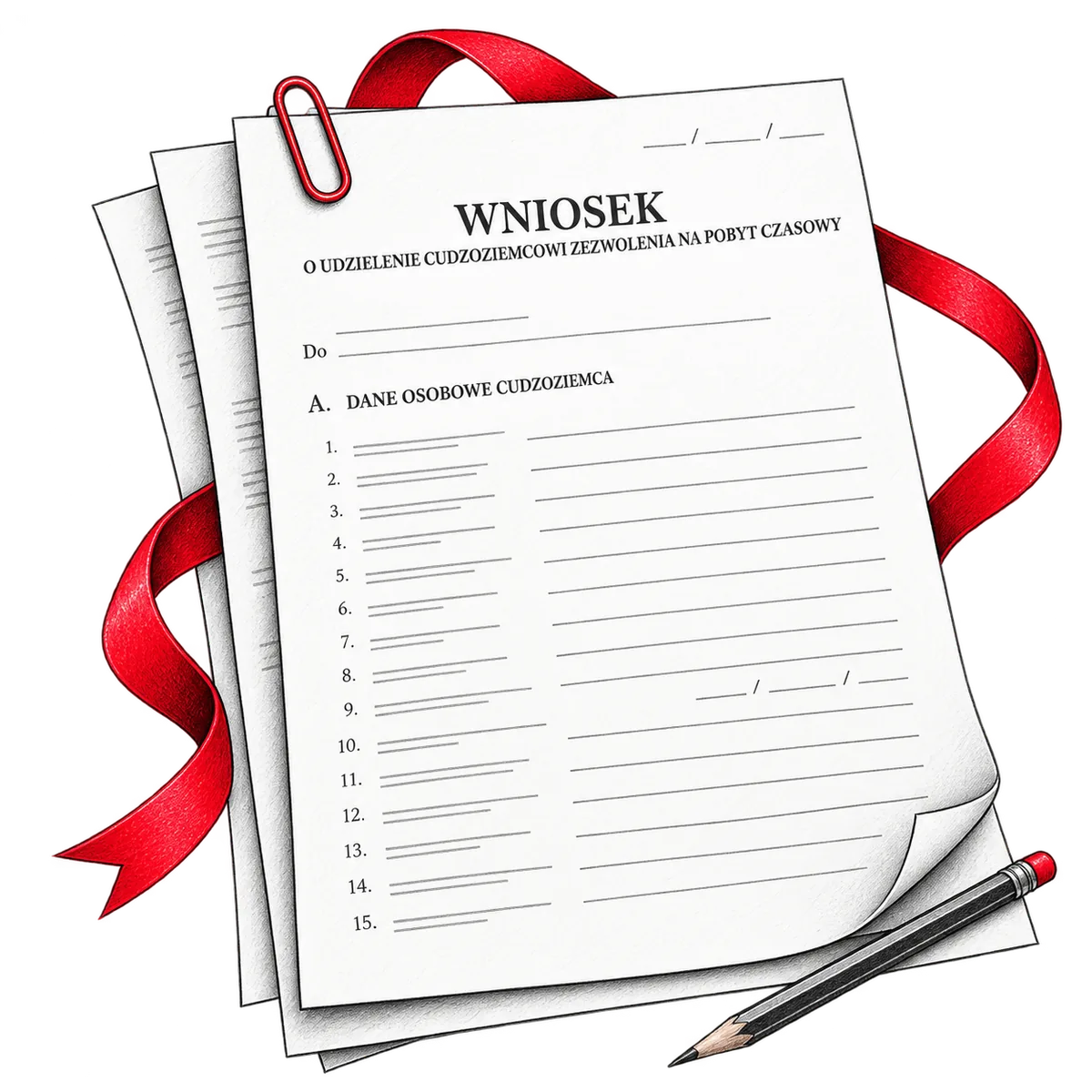
- Filling in the MOS form in 3 clicks
- No sharing of your Profil Zaufany access with third parties
- Automatic data collection from your documents for the questionnaire
- Simple questionnaire in your language with hints
- Choosing the right legal basis for your application
- Ready application to print
- Reminders about expiry dates of your documents
- A complete guide to what to do before and after you apply
Applying for a residence card in 2026 in three steps
Answer the questions
Sign up and answer the questions in your language, even on your phone and over several sessions, because your answers are saved. The questionnaire adjusts your photo and passport scan to MOS requirements by itself.
Click “Go to MOS”
On a computer, open your dashboard in Chrome and log in to MOS with Profil Zaufany or your bank. Then Ekspat fills in the application in Polish step by step, and you don't need to click anything.
Sign
Pay the stamp duty as the dashboard shows you and sign the application. If you are applying based on work, your employer fills in their part before you sign. Once the application is sent, save the confirmation of submission (UPO).
After that, the dashboard guides you through every step until you get your card, and a legalisation specialist can help with any questions on special terms.
What you need to apply for a residence card

Profil Zaufany
Profil Zaufany (Trusted Profile) is how you log in to MOS and sign the application. It is free, and if you don't have one yet, set it up before you apply.
Guide: how to get Profil ZaufanyThrough your bank
You can set up the profile online in your internet banking if your bank is on the list on the Profil Zaufany website.
At a confirmation point
You can go in person, for example to the gmina office. Ukrainians with UKR status confirm the profile right away when they get their PESEL.
If you have no PESEL
Without a PESEL number you can't get Profil Zaufany. In that case the application is signed with a qualified electronic signature, which you need to buy separately.

What to prepare
- A computer with Chrome, where Ekspat will fill in MOS.
- Your passport (all pages) and a photo no older than 6 months.
- Proof of payment of the stamp duty and the card fee.
- Documents for the purpose of your stay, for example a contract with your employer or a certificate from your university.
- Your employer's email address, if you are applying based on work.

Deadlines
- The application must be submitted no later than the last day of your legal stay, so it's better to start early.
- The link MOS sends to your employer is valid for 30 days, so let them know the email is coming.
Ekspat takes care of filling in your residence card application
The MOS form is in Polish and has 19 steps, and Ekspat goes through them for you.
Data from your documents
Upload your documents and photo, and Ekspat recognises some of the data for the application in them, so you won't have to type it in by hand.
Photo and passport
Ekspat adjusts the photo and scan to MOS requirements and attaches them to the application itself.
Check before MOS
Even before you go to MOS, the questionnaire checks that everything is filled in and written the way MOS will accept it, and shows right away what to fix.
In Polish
You can read the questions in English, Russian, Ukrainian or Polish, and the answers go into the application in Polish.
Address
In MOS you choose your address from five lists in a row, from voivodeship to street, and Ekspat does it for you.
A specialist at hand
If something is unclear, you can add a legalisation specialist on special terms right from your dashboard.
Safe and within MOS rules

Ekspat fills in the application in your MOS account only after you have logged in yourself and clicked “Go to MOS”.
An extension from Google's official store
The MOS application is filled in by a Chrome extension installed from the Chrome Web Store, Google's official store, where it has passed review. It works only together with the Ekspat dashboard, so outsiders can't use it.
On the official MOS website
The application is filled in directly in your account on the official MOS portal (cudzoziemcy.gov.pl), and MOS rules allow exactly this kind of help.
Data goes only to your MOS
Ekspat works in your browser and transfers answers only to your MOS form, and sends nothing to outside services or third parties. It can't see other websites or your browser history.
Doesn't know your password
Ekspat neither sees nor stores your Profil Zaufany login and password.
Nothing stays in your browser
Data is kept in the browser only while the form is being filled in and is deleted within 24 hours at the latest.
Your data under your control
Your answers are stored in your dashboard, and we don't share them with anyone without your decision. You can delete your account together with your data at any time.
How we handle data is described in detail in our privacy policy.
What happens after you submit your residence card application

After you send the application, there are a few more steps before you get the card, and the dashboard tells you what to do next.
Application sent
Save the confirmation of submission (UPO). Later the voivodeship office adds a certificate of submission to MOS, which replaces the stamp in your passport.
Fingerprints
You don't need to book anything, the voivodeship office will invite you to give your fingerprints.
A letter from the office
The office may ask for more documents, and the dashboard tells you what to send and by when.
Decision and card
When the decision arrives, we'll tell you how to collect your card.
Renewal
As your card nears its expiry date, we'll remind you to renew it.
Document pack and specialist help

With Ekspat you submit the application for free, and you can prepare the documents yourself. If you want a person to look over everything, you can add a specialist on special terms in the same dashboard. Your documents and answers are already in the dashboard, so nobody has to send them again. And when it's time to apply again, much of the questionnaire will already be filled in.
Document pack for the office
A full set of documents for the voivodeship office, already filled in with your data, can be downloaded right in your dashboard. All that's left is to print it, sign it and take it to the office.
Specialist consultation
A legalisation specialist checks your answers and prepared documents and tells you what to fix.
Full support
A specialist handles your case from the questionnaire until you get your card and stays in touch with you the whole time. In Warsaw and Gdańsk they can go to the office with you.
Our specialists work with voivodeship offices across Poland.
Which application you can submit with Ekspat
You sign up yourself, without your employer and without an agency.
Temporary residence (pobyt czasowy)
Temporary residence for work, study, family or your own business.
Permanent residence (pobyt stały)
For example, if you have a Pole's Card (Karta Polaka).
EU long-term resident (rezydent UE)
Among other conditions, you need to have lived in Poland legally for at least 5 years.
CUKR card
For Ukrainian citizens with UKR status.
Ekspat was built by legalisation specialists
At first, MOS autofill was used only by legalisation specialists filing applications for their clients. Now anyone who applies on their own can use it for free.
Partner agencies
MOS autofill is already built into Ekspat CRM, and legalisation agencies use it there to manage their clients' cases.
Ekspat
Ekspat is built jointly by EXPAT sp. z o.o., Łatwy Start and independent legalisation specialists. We keep testing the service and update it whenever MOS changes something.
Can someone else submit the application for me?
No. Under MOS rules, only the foreigner can sign and send the application, from their own account. Helping is allowed while you work in your own account, and that's exactly how Ekspat helps.
What you do
- Answer the questionnaire in your language, with hints and explanations.
- Install the extension in 2 clicks with clear instructions.
- Log in to your MOS in a separate tab, officially through Profil Zaufany.
- Wait no more than 2 minutes while the extension does everything.
- Sign the application and click “Send”.
What Ekspat does
- Automates collecting information for the application from your documents and photos.
- Checks the legal basis and answers before they go to MOS.
- Prepares the application for printing and checking.
- Fills in the MOS form in a few clicks.
- Reminds you about the expiry dates of your documents.

On your own, through an agency or with Ekspat
| With Ekspat | On your own in MOS | Through an agency | |
|---|---|---|---|
| Language of the questions | Your language | MOS form in Polish | A specialist explains |
| Who fills in the application | Ekspat, based on your answers | You | Agency specialist |
| Photo and passport | Ekspat adjusts and attaches | You adjust and attach | The specialist attaches |
| Check before MOS | Automatically and for free | You check | The specialist checks |
| MOS login | Only you have it | Only you have it | Depends on the agency |
| If you have a question | A specialist in your dashboard, on special terms | You look for the answer yourself | Agency specialist |
| Who signs | You | You | You |
| Cost | Ekspat is free, stamp duty separately | Stamp duty | Stamp duty and agency fees |
Plain-language guides

Every step that is up to you comes with a short guide.
How to get Profil Zaufany
Through a bank or at a confirmation point, and what to do without a PESEL.
Read →How to pay the stamp duty and card fee
How much to pay and how to attach the proof of payment to the application.
Read →Residence card photo
Size, background and age of a photo that MOS will accept.
Read →Your employer and Załącznik nr 1
What your employer fills in and how to let them know.
Read →A letter from the office
What to do if the office asks for documents.
Read →Renewing your residence card
When and how to apply again.
Read →Frequently asked questions about the residence card application
Fill in your residence card application for free
Sign up and answer the questions in your language, and Ekspat will handle MOS. If a friend is also applying for a residence card, send them the link, because it's free for them too.
Sign up and start the questionnaire